Getting to know GitHub Pages
I’ve decided to investigate GitHub Websites in search of a method to work on communication and reflection. Writing journal entries is useful, however, I will usually end up using these as a dumping ground for links, thoughts, and pictures. Just by publishing these I will need to find a balance between efficiency and clarity.
Though this attempt, I am hoping to accomplish the following objectives, in order of importance:
- Improve my communication skills by learning how to use written words to most efficiently describe:
- Problem
- Insight into my thought process
- Result
- Reflect on lessons learned
- Explore the use of GitHub Pages as an effective tool for Software Developers to communicate who they are and to offer a tool to assist them with introspection and continual learning.
Beginning the Journey
I want to immediately just get started and it was painful to write out the “what” and “why” for this first entry. I am pretty sure it was always in my head, but it took a concerted effort to pull it out, clean it off, and putting it to text.
About GitHub Pages
To get started, I’m using the GitHub Pages QuickStart. After skimming the first section of the QuickStart, I’m ready to get started.
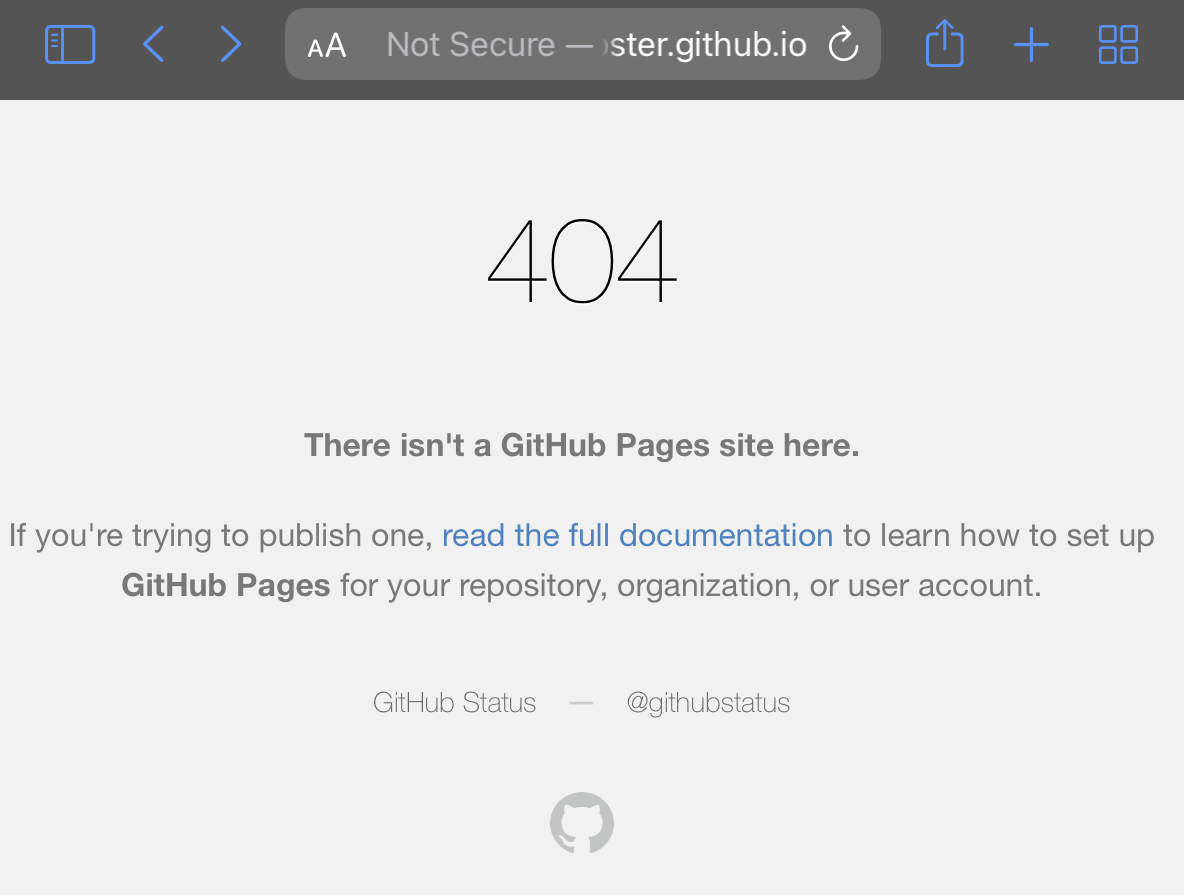
After the first few steps and about ten clicks, here’s what I have found:
- A pages repository setup, but without any content
- Encryption (HTTPS/SSL) is not enforced by default
- There is no 3-click wizard to get me up and running
After a bit more patience and completing the “Creating your website” section of the QuickStart, I have a nice looking website.
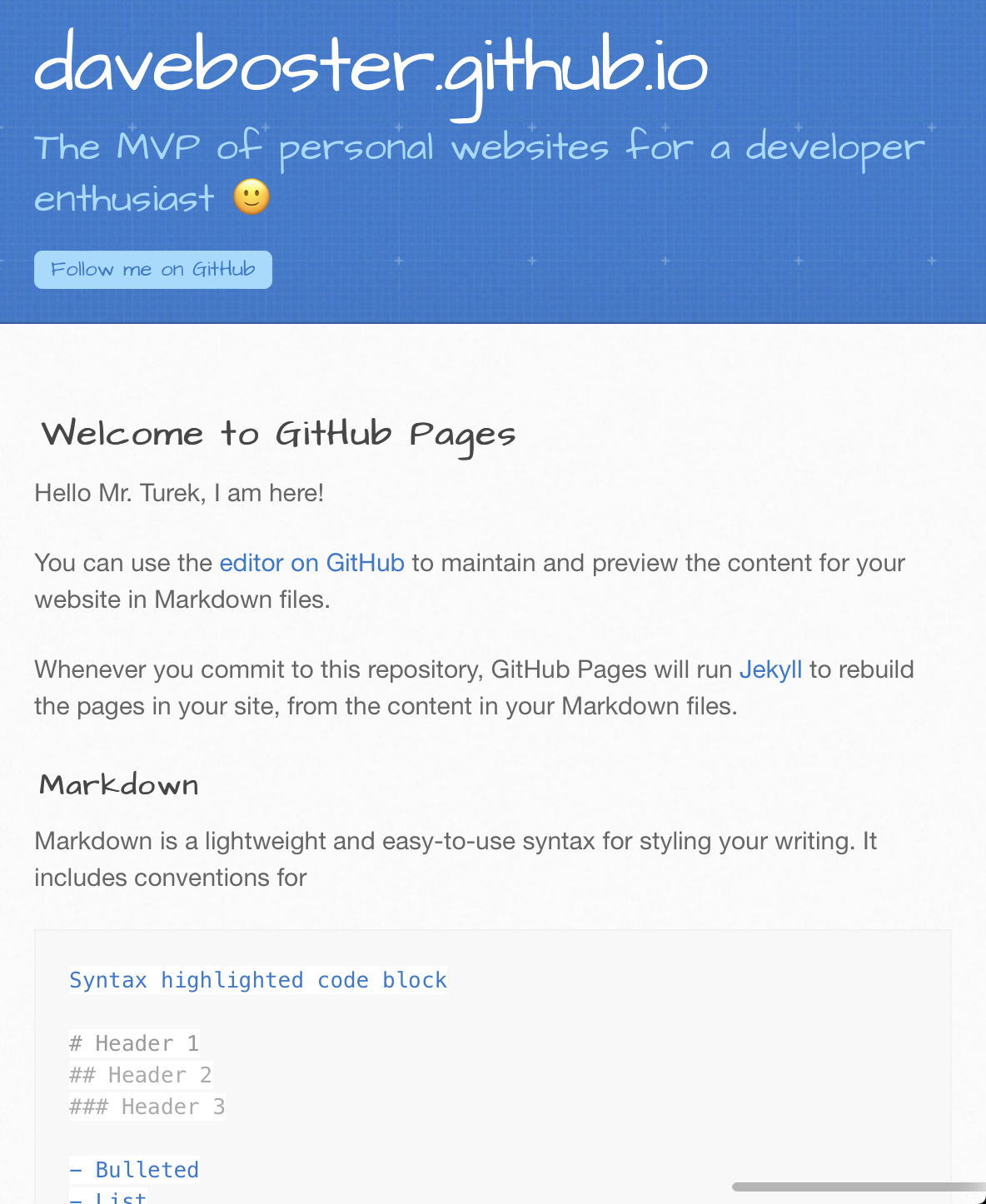
Now comes the hard part… what do I want to add for content? My first hour on this project has flown by, so content will need to be the topic for another day.
Shoutout to GitHub. I have to admit I did not expect to have a working website with a fitting design and color scheme within the first hour.
Result
I have a web presence! The best feature is that anyone can get their information on the nets without having to sign-up for hosting plans, configure cloud infrastructure or complex pipelines.
It’s been a while since I’ve been able to do a “hello world” type of project. It feels good to try something new and give a salute to an old friend an mentor, Mr. Daniel Turek!
Lessons Learned
- GitHub Sites offers a good selection of quality themes to use out of the box.
- Markdown is a much nicer experience than a text editor and HTML I remember from the 1990’s.
- Sites allow you to focus effort on content (what/why) and not the technology (how).
Next Steps and Thoughts
- Explore ways to manage content on this site, such as a blog, biography, etc.
- Integrating with other tools and markdown editors to support different flows and preferences.
- Can I get this first post on my new GitHub Site?